
PURCHASING & SUPPLIERS
Know what came in.
Keep track of what’s owed.
Connect supplier purchases to incoming stock and bill payments. The owner keeps the buying side organized while staff focus on daily fulfillment.
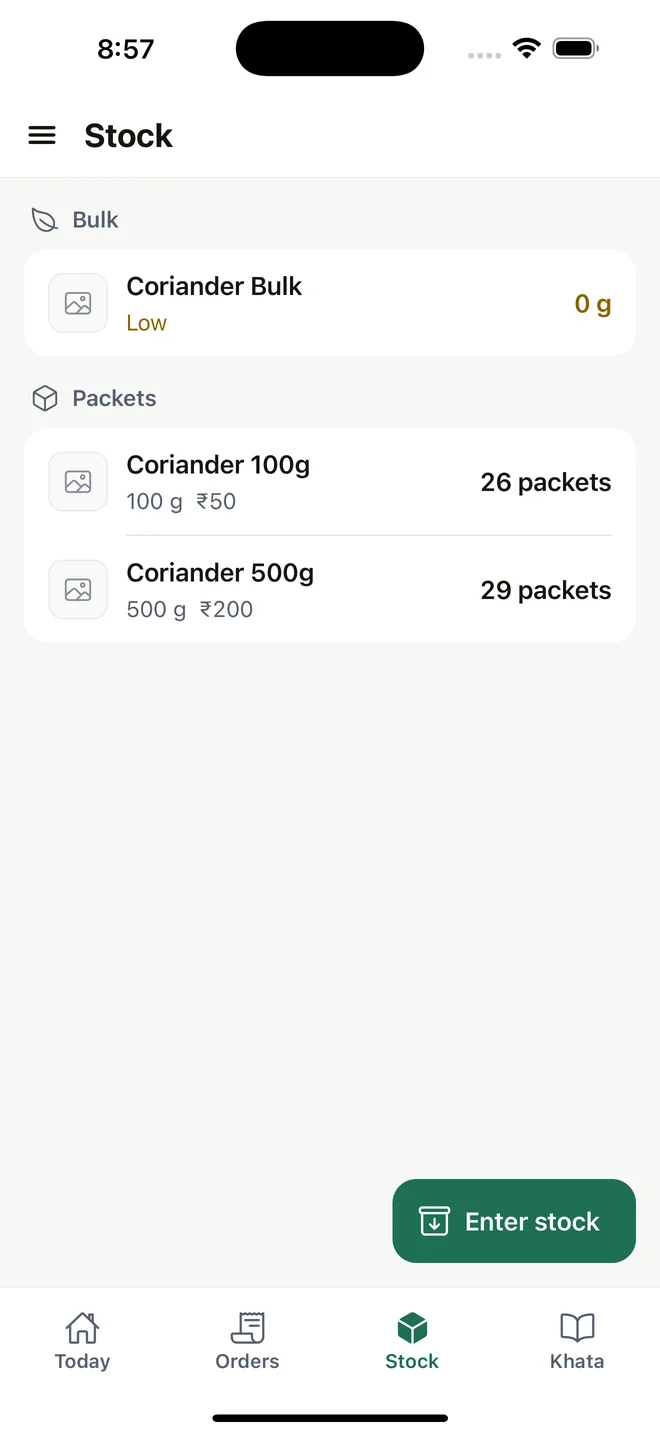
Current regional interface; amounts remain in INR.
01 / THE WORKFLOW
Keep the supplier bill with the purchase
Create a supplier record and enter the bill reference, products, quantities, buying costs and supplier due date. A draft keeps the purchase separate from goods that have actually arrived.
02 / THE WORKFLOW
Receive goods into inventory
Receive the purchase when the goods arrive. The received quantities become stock, connecting the purchase record to what the team can use for packing and orders.
03 / THE WORKFLOW
Track payments against the bill
Record full or partial supplier payments against a purchase and see its paid amount, remaining balance and due status. These records document payments made outside MyDukaan; the product does not send money.
04 / THE WORKFLOW
Keep purchasing with the owner
Supplier details, bills and buying costs are owner-only. Managers, packers and delivery staff do not receive purchasing access through their roles. Supplier payments are per bill; there is no general supplier on-account payment workflow.
Useful answers
Is this purchase-order automation?
The workflow records supplier bills and received purchases. It does not send supplier purchase orders, automate reordering or connect to supplier systems.
Why is the pictured screen stock?
The authentic stock screen shows the inventory side of received goods. It is not a screenshot of the purchasing interface.
Keep the workflow connected
Check the fit for your working day.
Review setup, platform access and current international limitations before choosing MyDukaan.
Setup & availability ↗